Releases:
Explore the latest feature and updates to enhance your CloudLabs experience:
Section | Link |
|---|---|
VM Quota Threshold Alerts | |
Enhanced Activity Logs for Entra ID Group Synchronization | |
Attendee Column in Activity Logs |
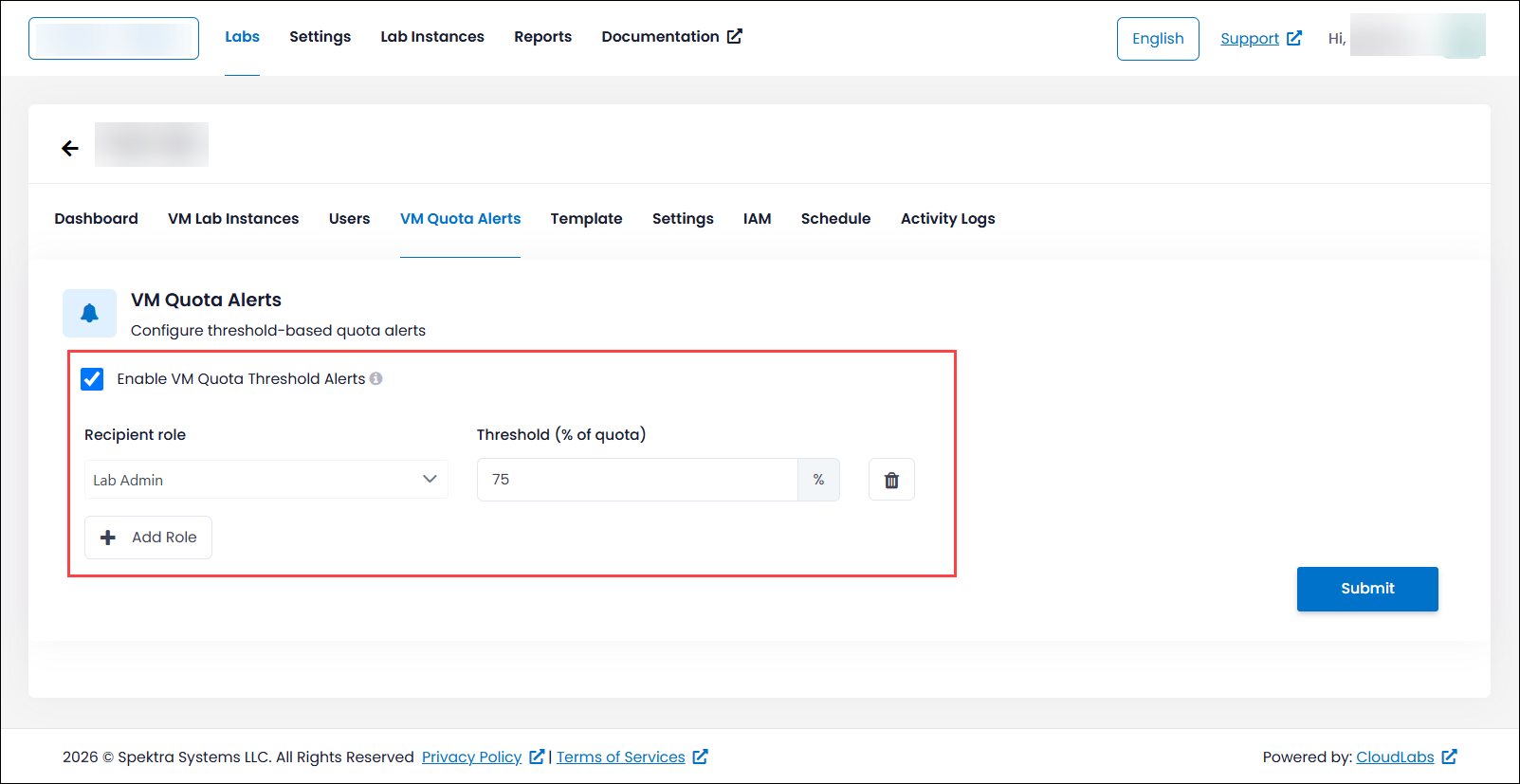
VM Quota Threshold Alerts
Stay informed about VM usage with the new VM Quota Threshold Alerts feature. Once enabled in Global Settings, administrators can configure a VM usage threshold for each lab. When a deployment causes VM consumption to exceed the configured limit, automatic notifications are sent to the selected recipient roles mail. This proactive alerting helps administrators monitor resource usage, prevent unexpected quota usage issues, and manage VM quotas more effectively across the labs.
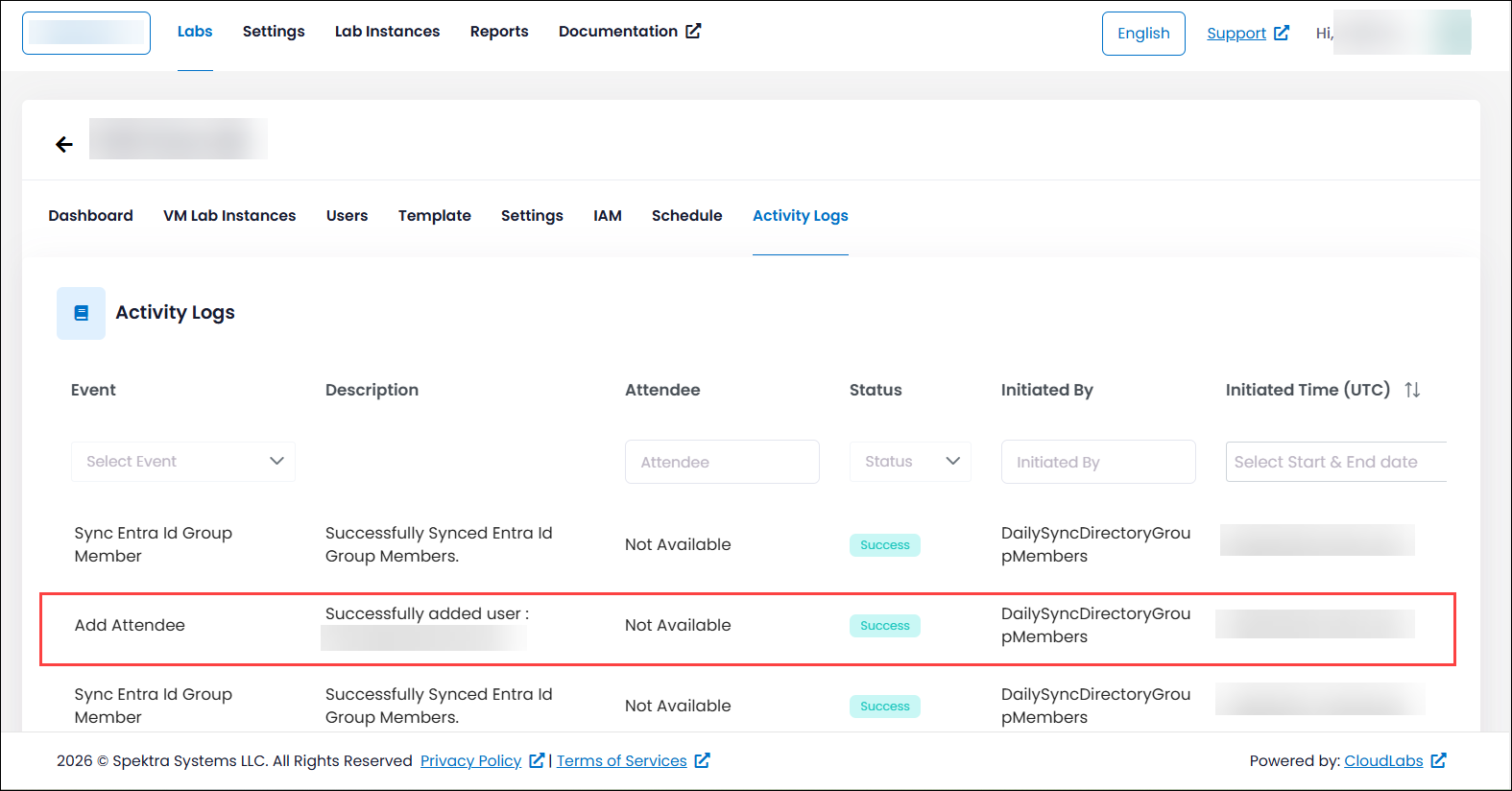
Enhanced Activity Logs for Entra ID Group Synchronization
We've enhanced Entra ID Group Synchronization to provide more comprehensive activity tracking and visibility. In addition to recording synchronization events at the lab level, the Activity Logs now display the email addresses of attendees who are added to or removed from the synchronized Entra ID group during each automated sync, which runs every 24 hours. This enhancement makes it easier for administrators to monitor members added or removed, perform audits, and troubleshoot synchronization activities with greater accuracy.
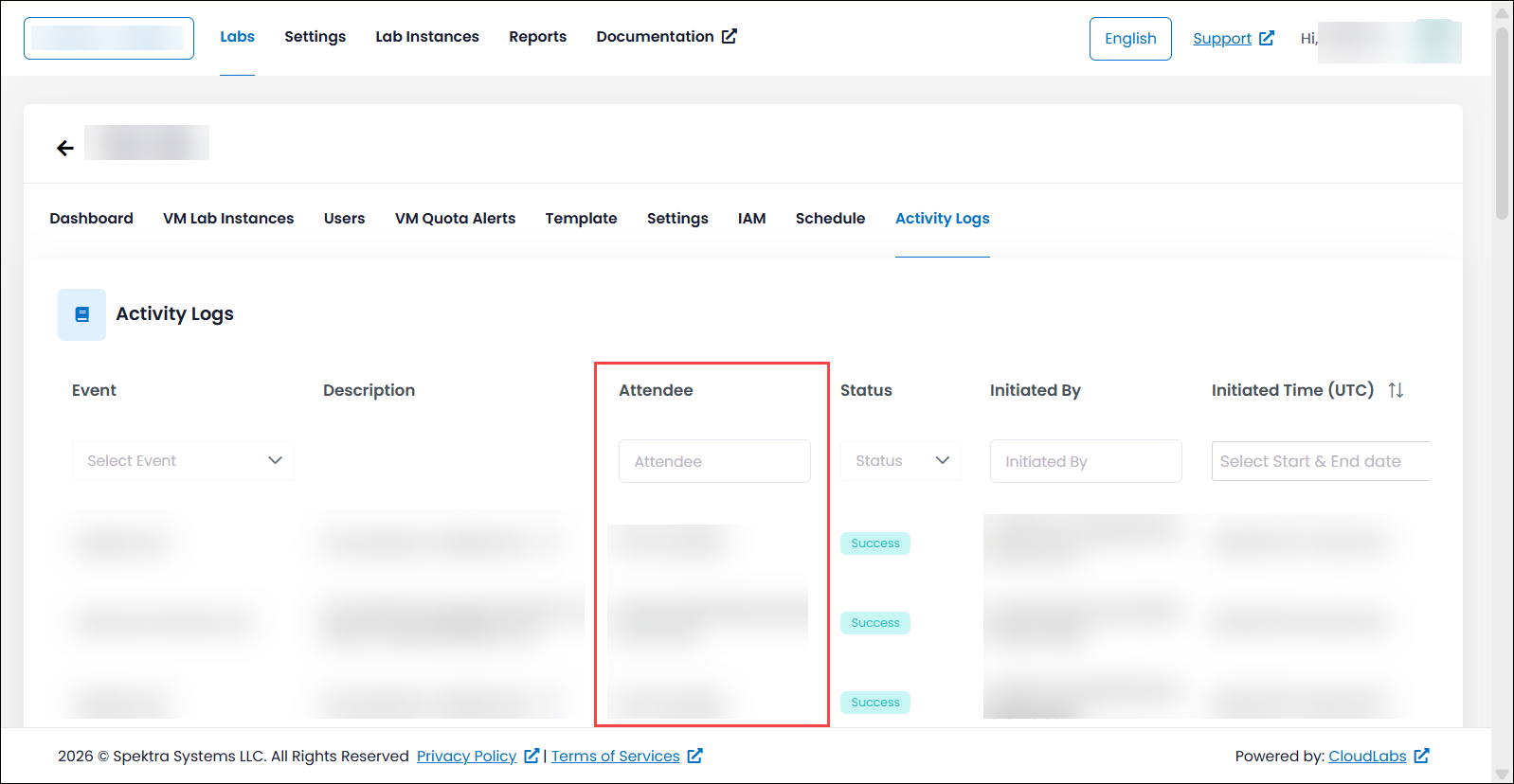
Attendee Column in Activity Logs
To provide greater visibility into lab activities, we've introduced a new Attendee column in the Lab Activity Logs. This column displays the email address of the attendee associated with each VM-related event, making it easy to identify the owner of a VM at a glance. By clearly linking activities to individual attendees, administrators can more efficiently monitor VM usage, investigate events, and troubleshoot issues, resulting in faster and more effective lab management.