Managing the VMs from Control panel.
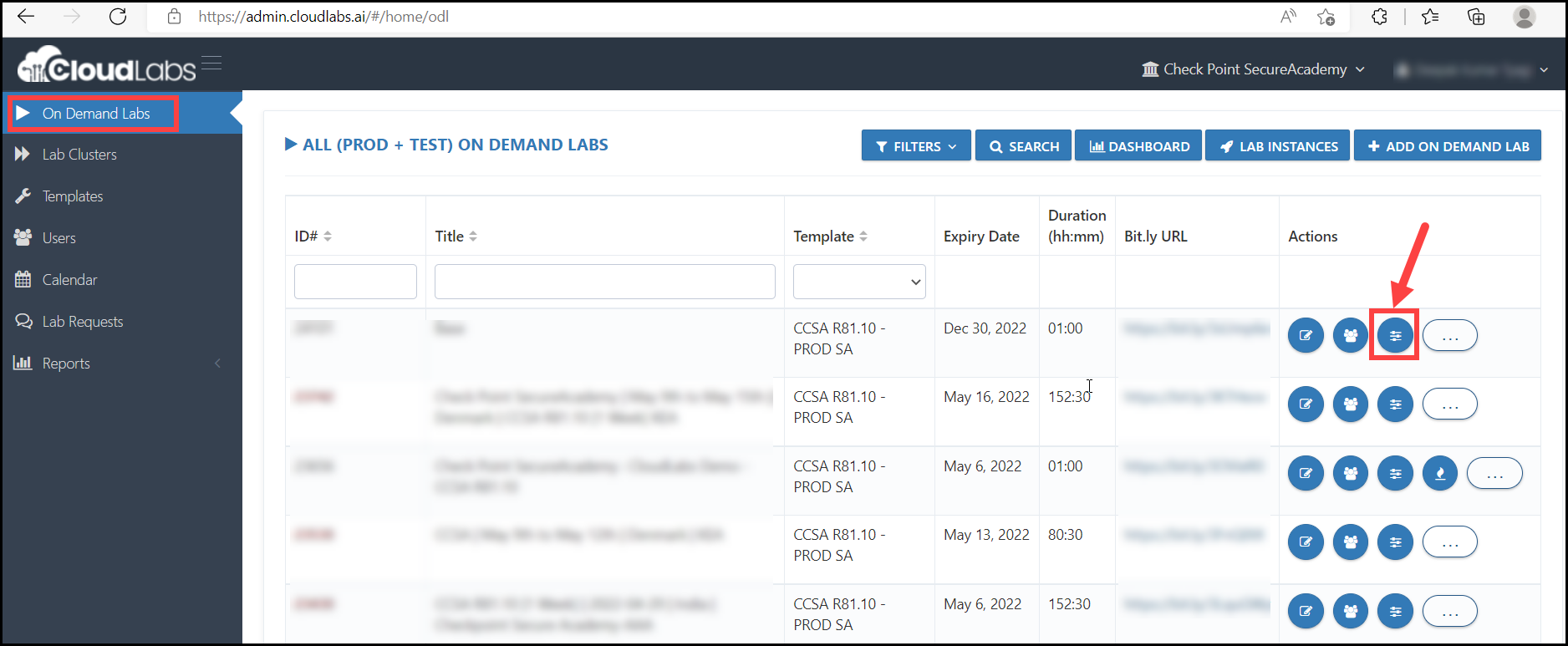
i. Open the control panel as shown in the image below.
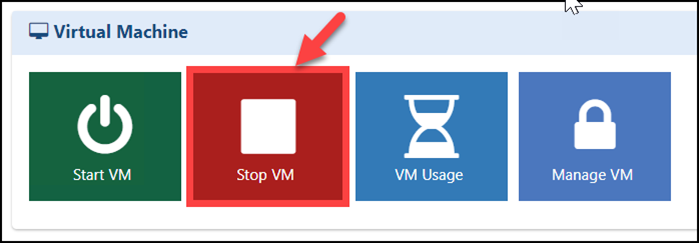
ii. Stop the Virtual Machines: If you want to stop all the Virtual Machines for a specific On Demand Lab, you can stop all VMs together by clicking on Stop VM.
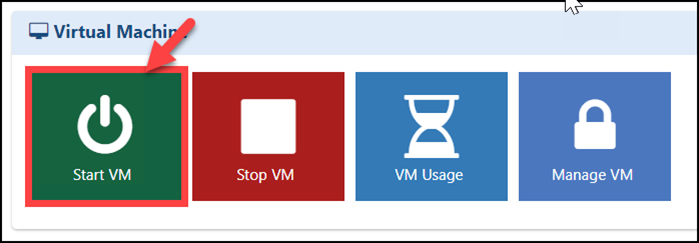
iii. Start the Virtual Machines: If you want to start all the Virtual Machines for a specific On Demand Lab, you can start all VMs together by clicking on Start VM.